



RED Calc Pro
Upgrade Your Experience With Our Enhanced Free Tool Suite:
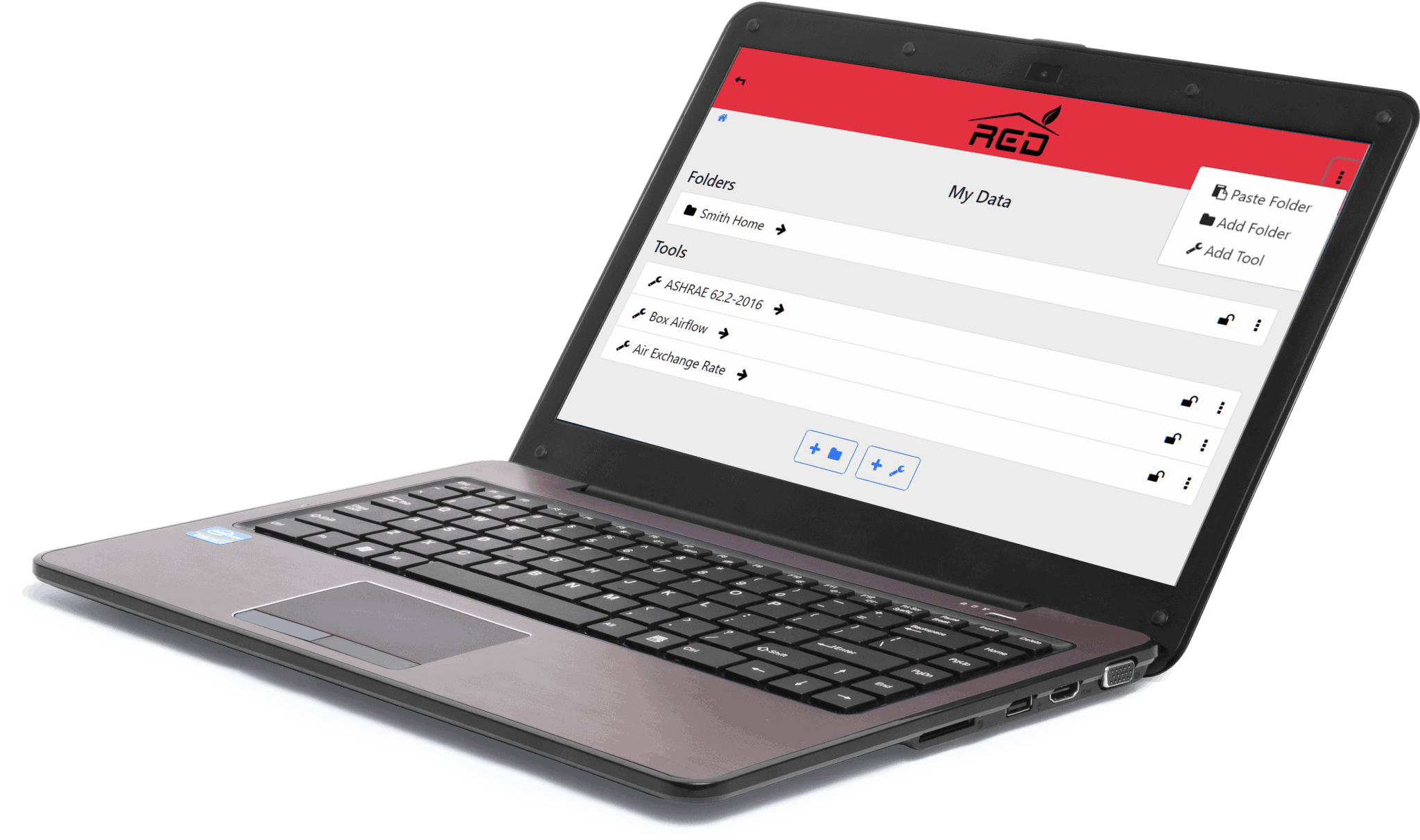
- Access Anytime, Anywhere: Available on both mobile and web platforms.
- Stay Organized: Keep your projects neatly sorted with custom folders.
- Seamless Syncing: Secure cloud storage lets you access your work from any device.
- Work Without Limits: Offline mode ensures you can continue working even without internet access.
- Create Professional Reports: Easily generate and download PDF reports.
RED Calc Standalone Tools
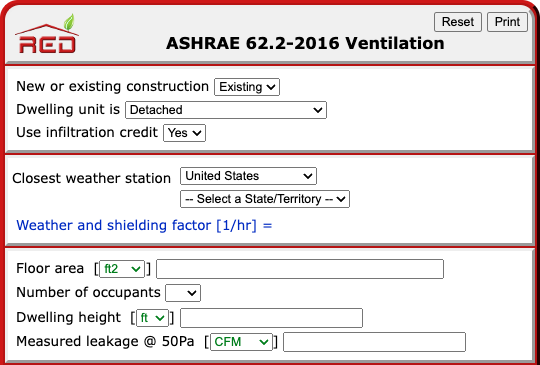
Quick and Easy Access to the Essential Tools
- Get instant results for on-the-go calculations - no logging in required.
- Perfect for when you need a fast answer without saving or printing a report.
Need Help? Find a Bug? Have Feedback?
Before contacting support, please try these simple fixes. If the issue persists, reach out to us for help.
- Check Your Internet Connection: If you're offline, you can still use the Pro App, but some features may be limited until you reconnect.
- Refresh Your Browser: Click the refresh icon in your browser's toolbar to reload the page.
- Restart the Pro App: Open the main menu (visible in the top red banner) and select "Restart". A quick sign-out and sign-in can often resolve unexpected issues.